

Shift Preferences
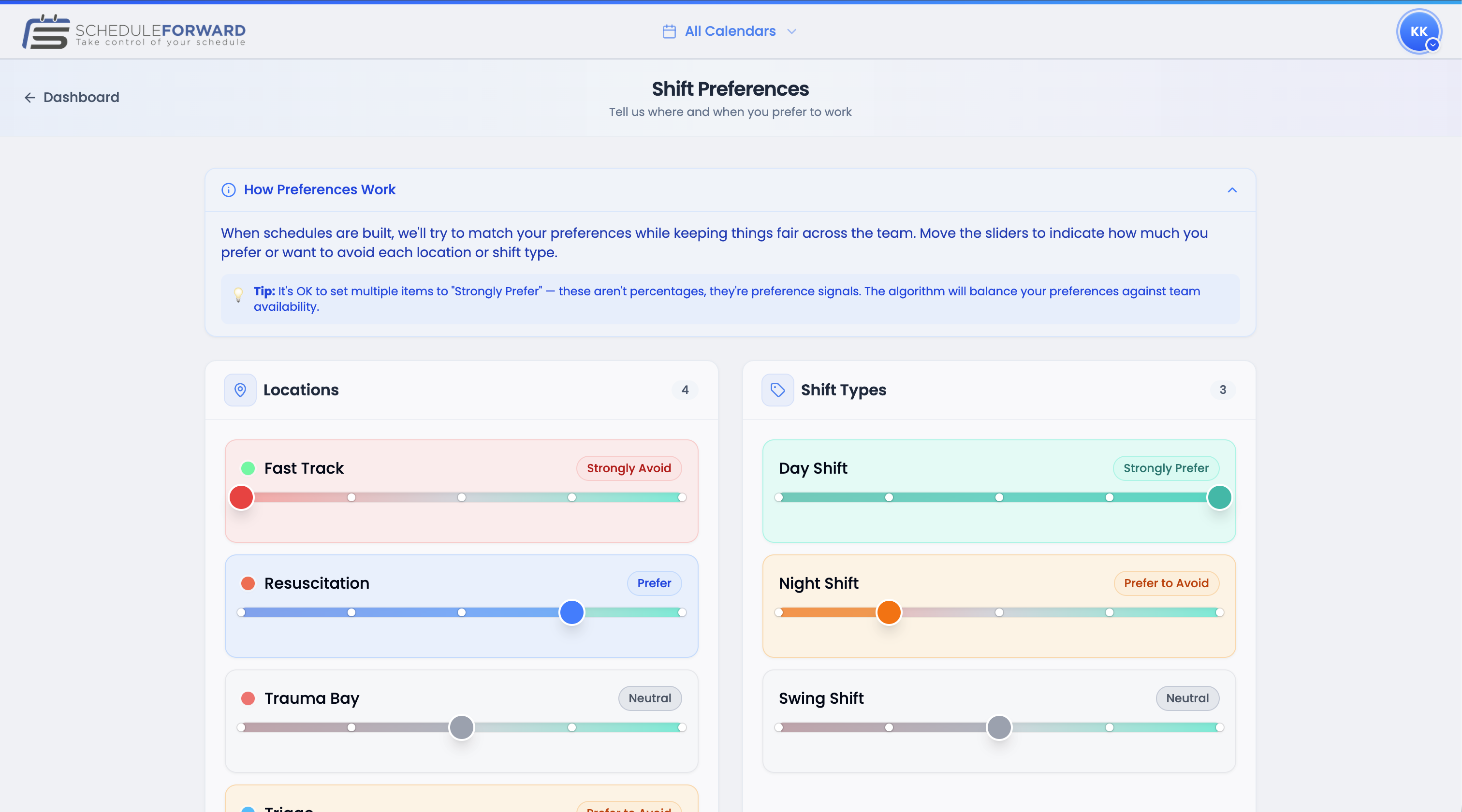
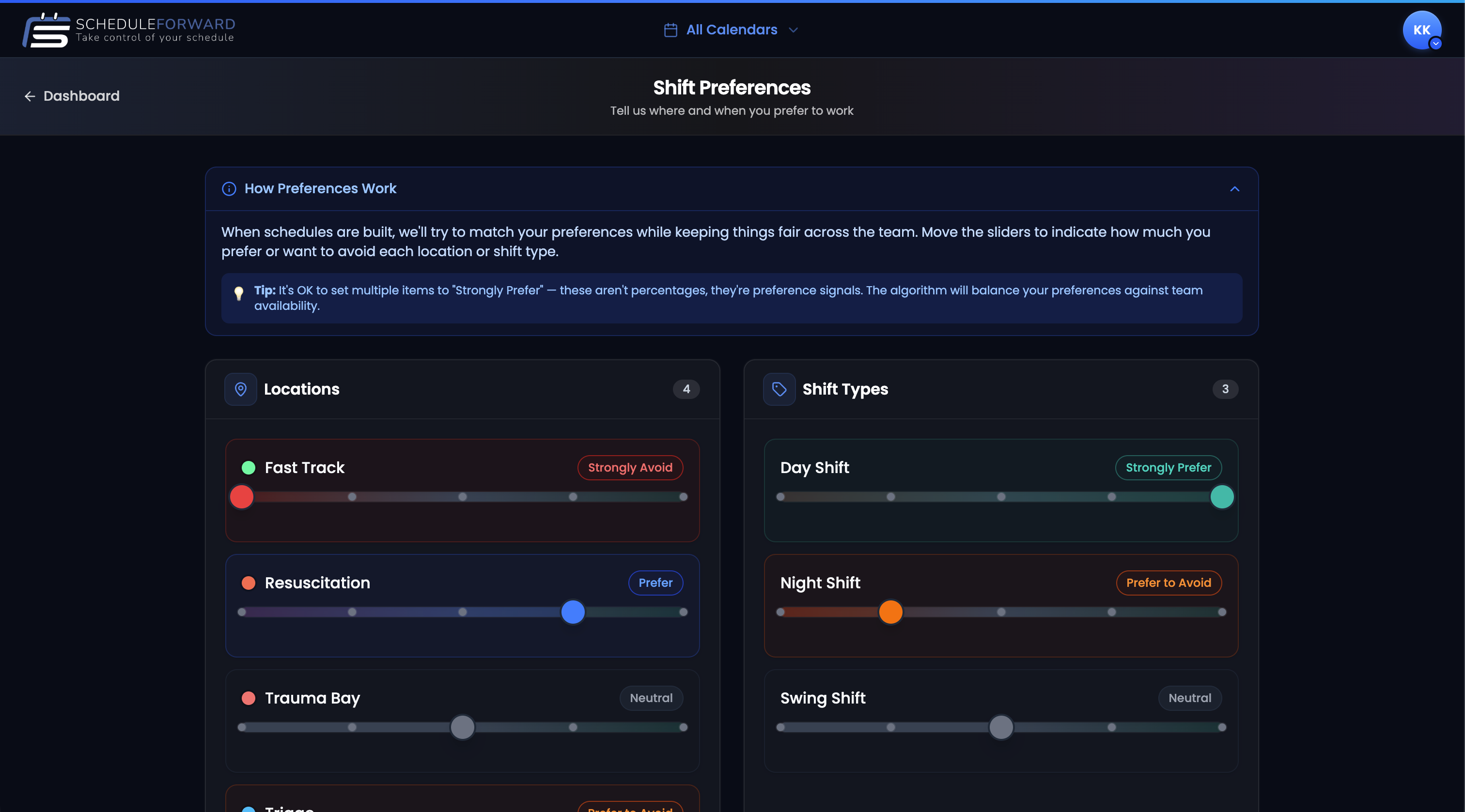
Shift Preferences let you tell ScheduleForward which locations and shift types (we call them “tags”) you love, like, are neutral about, or really don’t want. We use this to rank shifts for you during the draft and balance the schedule.
Think of them as your wishes
Every workplace has different places to work (locations) and different kinds of shifts (tags — like “Lead,” “Trauma,” “Overnight,” or “Float”). Your preferences are simply how much you’d like each one.
How the slider works
0 — Hard pass
You’d rather not, please. The system will avoid suggesting these for you and weight balancing in your favor.
50 — Neutral
You don’t mind either way. The default value for everything is 50 — leave it there for anything you don’t feel strongly about.
100 — Love it
Pick me, pick me! These show up at the top of your suggestion list during drafts and the system prioritizes giving you a fair share.
Setting your preferences
Open Preferences
Tap your avatar (top right) and choose Shift Preferences.
Pick a sub-group
If you’re in more than one sub-group, use the selector at the top to switch between them. Each sub-group has its own set of preferences.
Slide locations
For each location, drag the slider toward 0 (avoid) or 100 (love). Spend the most time on the ones you feel strongly about — leave the rest at 50.
Slide tags
Same for shift tags. Hate working nights? Slide that one down. Love being on the trauma team? Slide it up.
Save
Hit Save at the bottom. Your changes lock in for future drafts.
Common questions
Do I have to set preferences?
No — they’re optional. But the more you tell us, the better your draft suggestions get. Even spending 30 seconds setting your top-3 favorite locations makes a big difference.
Can I have different preferences for different sub-groups?
Yes. If you work in more than one sub-group (say, “Day Float Pool” and “Night Float Pool”), each one has its own set of locations, tags, and preferences. Switch between them at the top of the Preferences page.
What does the middle of the slider mean?
The middle (50) is “I’m neutral — it’s fine.” Anything below 50 is a soft no, above 50 is a soft yes. The further you push it from 50, the stronger your signal.
Will my admin see what I rated low?
Preferences help the system rank shifts for you, not call out coworkers. Admins can see general patterns to plan fair schedules, but the goal is happier shifts for everyone — not gotcha moments.
I changed my preferences mid-draft. Will it update?
Live drafts use the preferences you had set when the draft started. Future drafts will use whatever you have saved.