

The Draft
A draft is how shifts get handed out: everyone takes turns picking the shifts they want, like a fantasy football draft. When it’s your turn, you’re on the clock — pick a shift, then it’s the next person’s turn.
Picture a draft like this
Imagine the team is standing in a circle around a giant calendar of open shifts. One by one, each person steps up and picks the shift they want most. When everyone has gone, it loops back around for round two, and so on, until every shift has an owner.
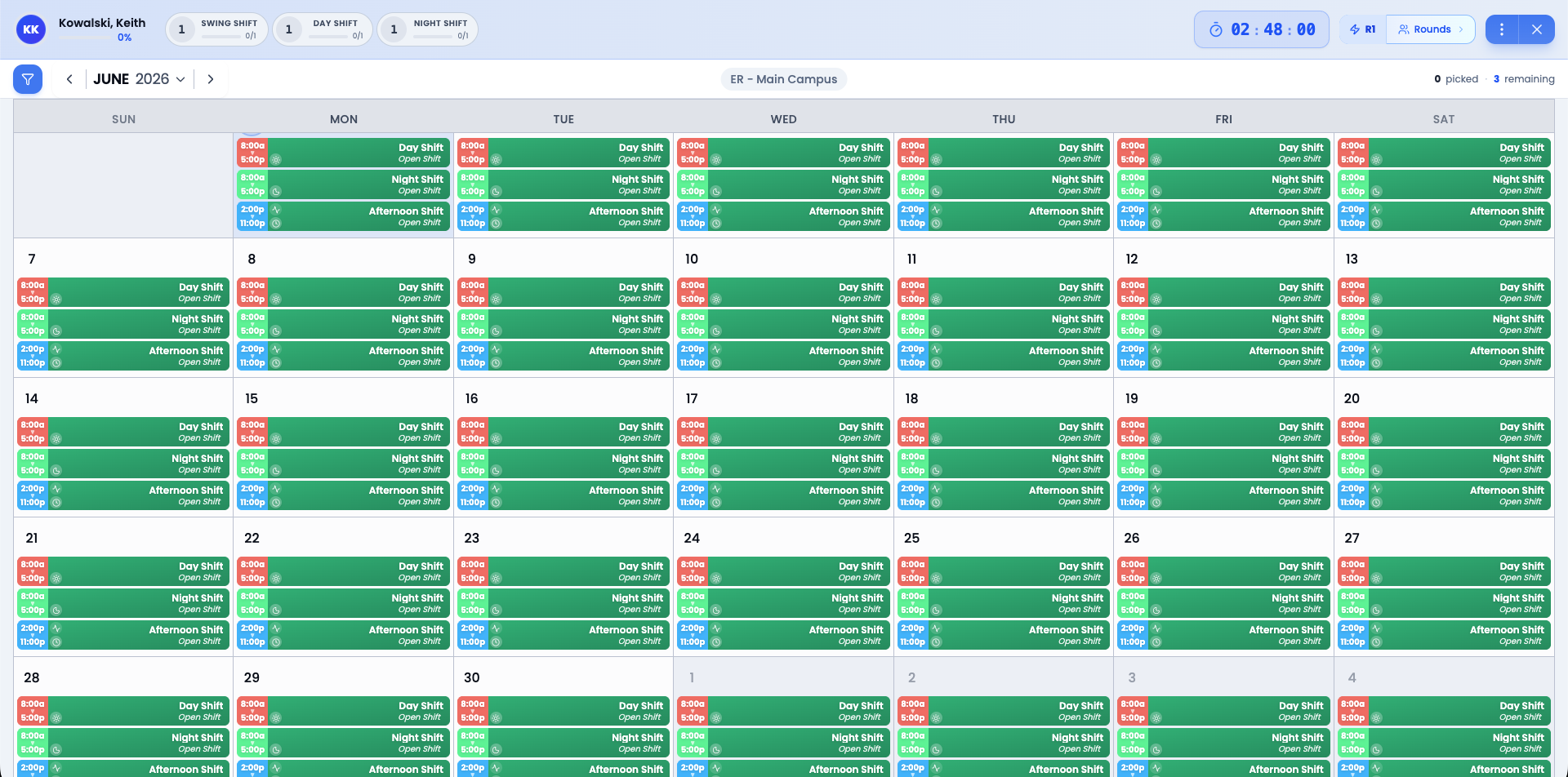
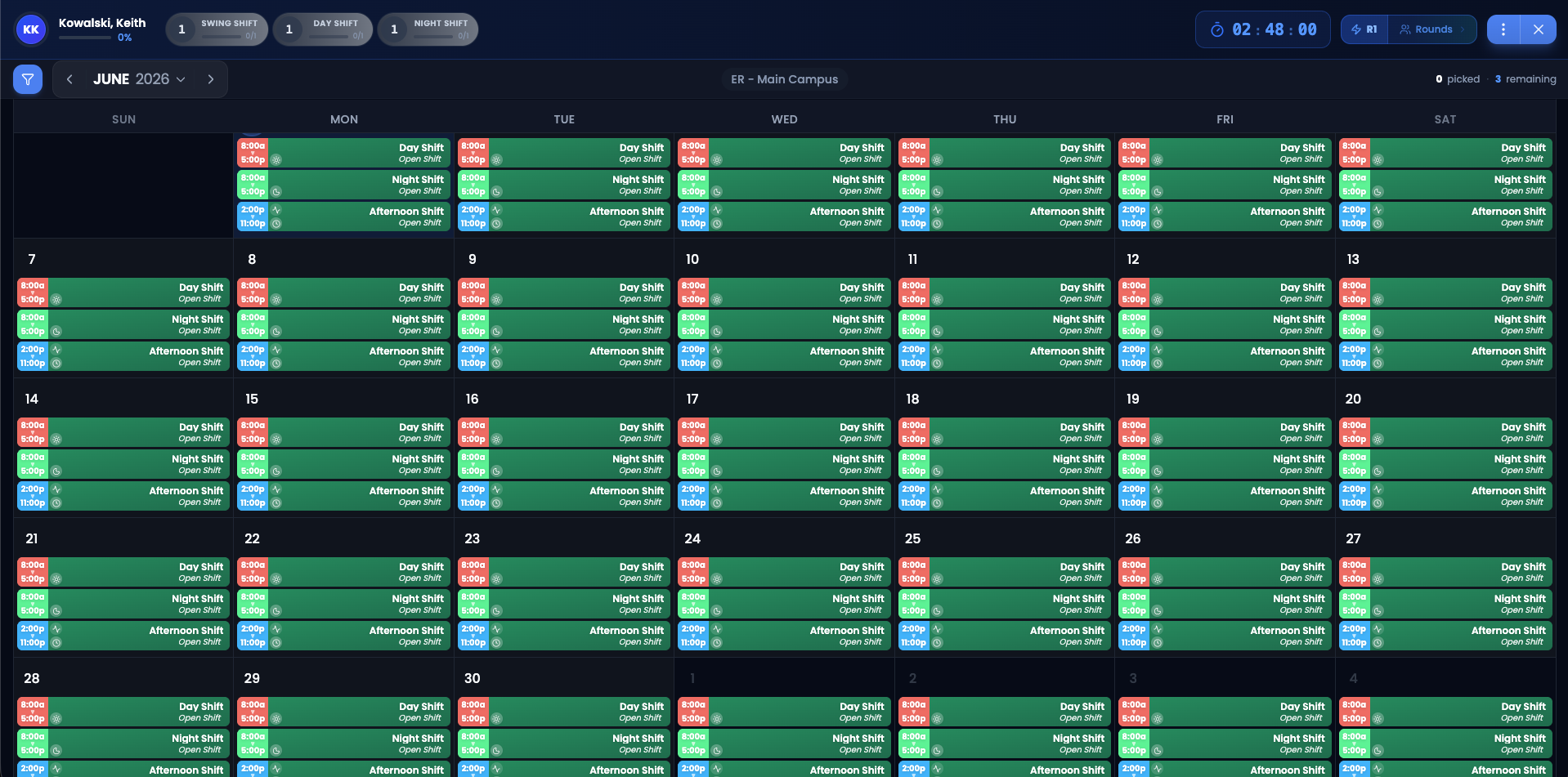
How a draft moves
Announcement
Your admin sets up the draft and announces it. You’ll see it on your Dashboard with a clear callout — and you’ll usually get an email or text letting you know the kickoff time.
Pre-pick window
Before the draft officially starts, you can browse the shifts and think about what you want. Nothing is picked yet. This is your time to plan.
Kickoff
At the kickoff time, the draft goes live. The first picker is on the clock and the live picks board comes alive.
Take turns, round by round
Each round, everyone picks one shift. After the last person in a round picks, we loop back for the next round. The draft ends when there are no more shifts to pick or no more rounds left.
When it’s your turn
You’ll get a heads up
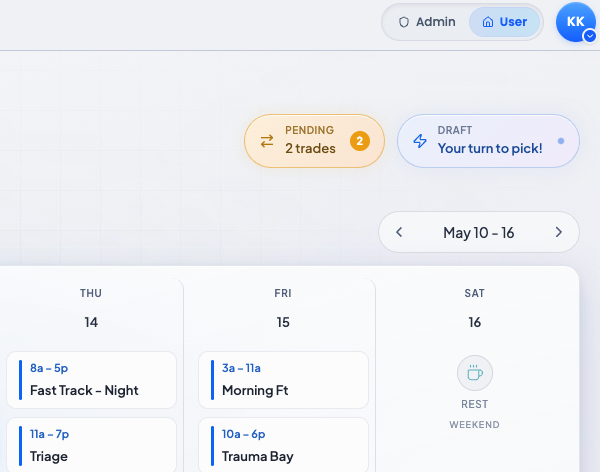
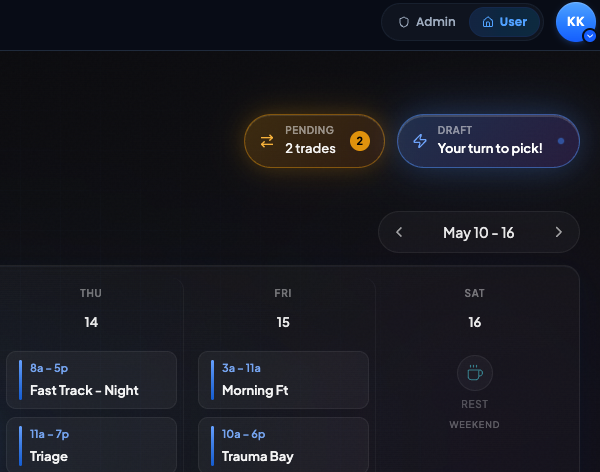
The moment you’re on the clock, we send you a text and an email. Open ScheduleForward — your Dashboard will show a big “You’re up!” callout that takes you straight into the draft.
Browse the open shifts
Use the calendar to see every shift that hasn’t been picked yet. You can scroll through weeks, filter by location or tag, and see how the shifts overlap with your personal events.
Pick your shift
Tap a shift, then confirm. The pick is final — we’ll show your name next to it on the picks board, and the clock advances to the next picker.
Sit back, watch, repeat
You can watch the rest of the round play out, then we’ll ping you again the moment your next pick comes around.
If you can’t make it to your turn
Life happens. If you can’t get to your phone or laptop when you’re on the clock, your turn doesn’t just disappear — ScheduleForward’s auto-picker steps in and makes your picks for you.
The auto-picker steps in
When the pick clock runs out, ScheduleForward picks for you so you don’t fall behind. You won’t be skipped, and you won’t lose your spot in the rotation.
It picks like you would
The auto-picker uses your Shift Preferences and Calendar Preferences, plus the same scheduling rules a real pick would follow — no overlapping shifts, minimum gaps between shifts, and the same scoring the schedule generator uses. The picks fit you. They’re not random.
You’re still in control
Once the draft wraps up, if you’d like to swap something the auto-picker grabbed, you can trade with a teammate or post it on the Trade Board for anyone to pick up.
After the draft is over
- All your picks land in My Calendar and your phone’s calendar (if you set up Calendar Sync).
- If life happens and you can’t work a shift, you can ask someone to trade it with you — or post it on the Trade Board for anyone to pick up.
- If you need a date off, submit a Time Off Request. If approved, your admin will help cover the shift.
Common questions
What if I miss my turn?
You won't get skipped — ScheduleForward has an auto-picker that steps in and picks for you. It uses the same rules and preferences as the schedule generator, so it tries to grab shifts that actually fit your availability and the constraints your admin set up. If you don't love what it picked, you can still trade with a teammate or post a shift on the Trade Board once the draft wraps up.
Will I get notified when it’s my turn?
Yes. We send a text and/or email the moment you’re on the clock — assuming you’ve added a phone number and turned notifications on in your Profile. We also nudge the picker after long stretches without activity.
Can I see what shifts other people picked?
Yep. The draft board updates live as picks happen. You can see who took what and how many spots are left.
What if I’m on a draft with multiple sub-groups?
You can be in more than one draft at once. They’re tracked separately and each will show up on your Dashboard when there’s action you need to take.
My turn is taking forever. How long do I have?
Each round has a “pick clock” set by your admin — typically 2–3 hours, though it’s fully configurable. When the clock runs out, the auto-picker steps in and makes your picks for you. There’s no penalty for taking your full time, but your teammates are waiting their turn, so pick when you’re ready.
What if my turn starts earlier than scheduled?
Sometimes the draft runs ahead of schedule because the people before you finished early. When that happens, your turn starts earlier too — but you still get the full pick-clock time that was originally allotted to you. The early start is just bonus time. The clock starts from the moment your turn opens, not from the original scheduled time.