Draft Scheduling

Draft Scheduling

A draft lets your team pick their own shifts, taking turns in an order you set — like a sports draft. It’s the fairest way to share out a schedule, and once it starts, it runs itself.

What a draft is

In a draft, you lay out all the open shifts, then your team takes turns choosing the ones they want. Person one picks, then person two, and so on, around and around until the shifts are gone. Everyone gets a fair shot, and people end up with shifts they actually chose.

You set it up — the app runs it
Your job is the setup: who’s in, in what order, and when it starts. After that, the draft advances on its own.

Setting it up

1

Choose who’s in

Pick which team members take part. Only the people you include will get a turn to pick.
2

Set how long each turn lasts

Give each person a time limit for their pick. Short enough to keep things moving, long enough that no one feels rushed.
3

Pick a kickoff time

Choose when the draft opens. Everyone gets notified, and picking begins at that moment.
Rounds don’t all need the same clock
The early rounds have the most shifts to weigh, so give them room — try 90 minutes for rounds 1 and 2 — then tighten the later rounds to around 60 minutes as the choices narrow. You set each round’s length on the round itself in the builder.
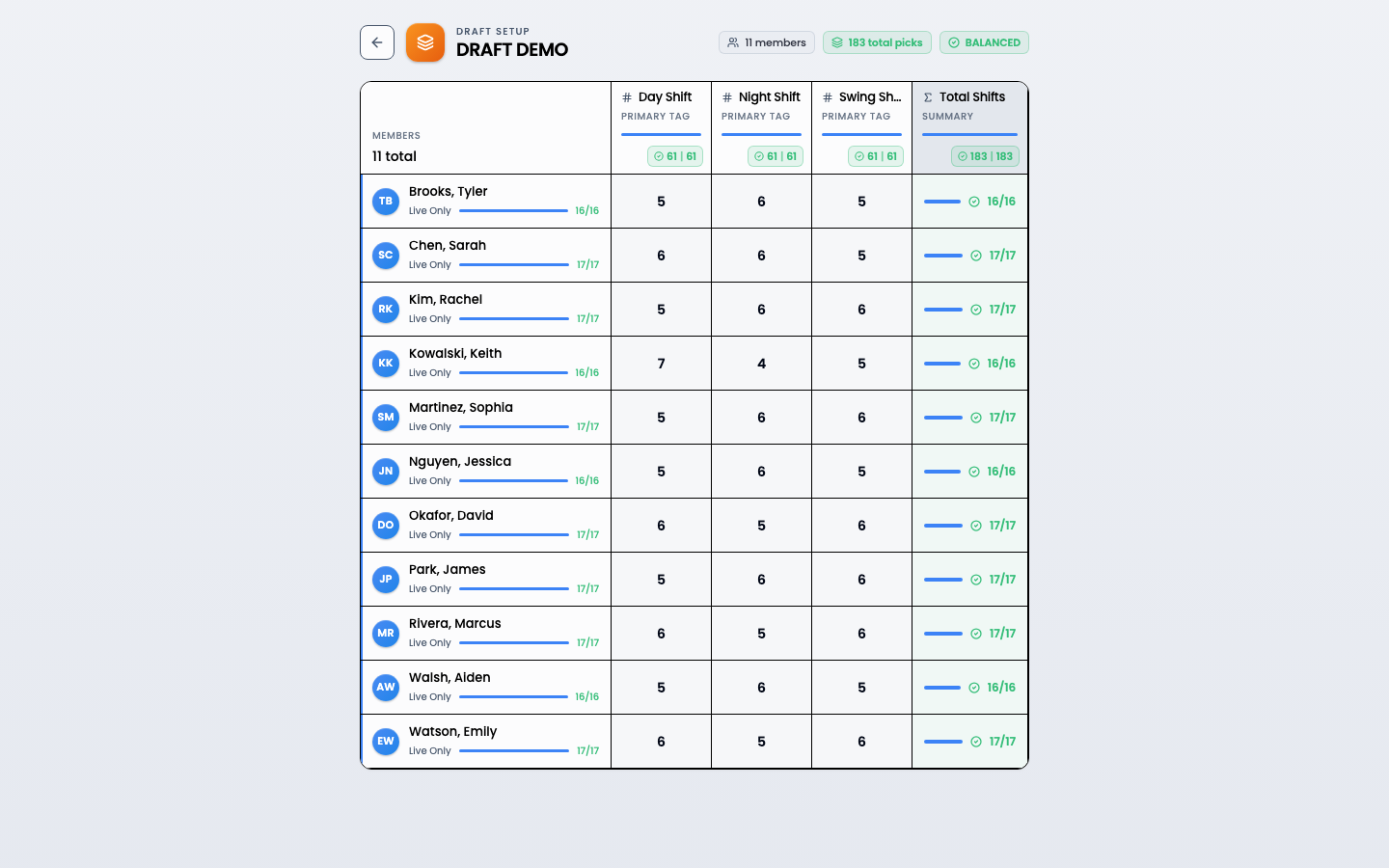
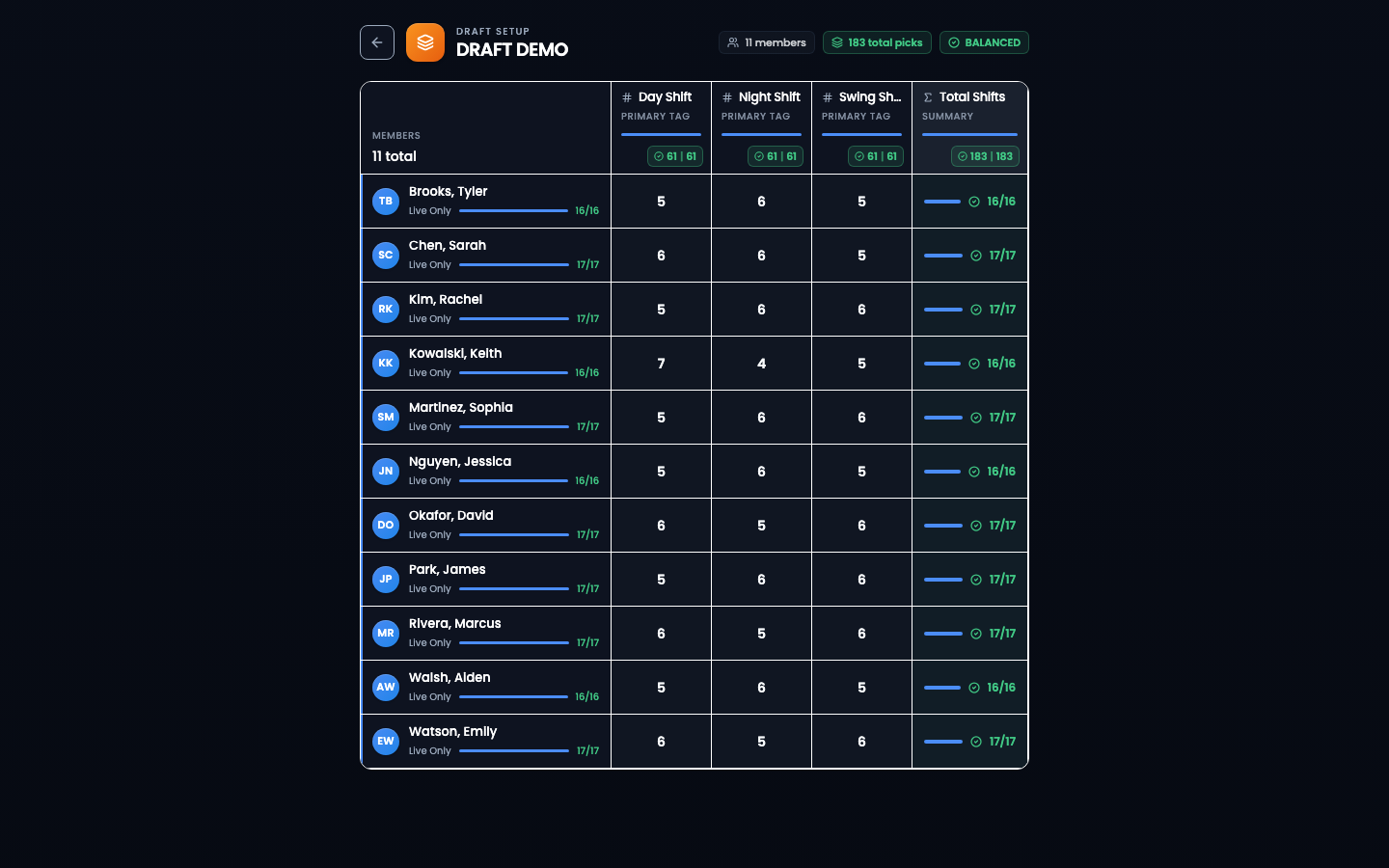
The draft setup matrix showing each member's shift allocations by tag, marked balanced.
Draft setup: who takes part and how many shifts of each kind they’ll pick, kept balanced.

The pick order

By default the order is random — a clean, impartial shuffle nobody can argue was rigged, and a perfectly good choice on its own. But you can also set it on purpose when you have a reason to.

1

Leave it random (the default)

Do nothing and the app shuffles the order for you. It’s genuinely random and equal for everyone — the simplest fair option.
2

Or set it on purpose

Drag people into the order you want — by seniority, to reward or incentivize someone, or any order you have a reason for. Use this when the order should mean something.
Some people can pick early
You can give certain people early access before the main draft opens — handy for someone with a hard constraint. Set this up before kickoff so it’s ready.

Running the draft

Once it kicks off, the draft moves on its own. Each person gets their turn, picks their shifts, and the clock passes to the next person. If someone’s time runs out, the app picks for them so the draft never stalls. A progress view shows how everyone’s picks are coming along, and when everyone’s done, you publish the finished schedule.

Trust the rounds to spread the load
You don’t need to pre-load a draft with weekend or coverage requirements. People who want weekends grab them early; those who don’t wait until the later rounds, when those shifts are all that’s left. Either way every shift gets picked and the load spreads out on its own — fewer requirements, fewer constraints. Let the rounds do the work.
The clock sleeps when your team does
If you set off-hours (like overnight), turns don’t expire during them — the draft pauses and picks back up when the day opens again. No one loses their turn while they’re asleep.

Draft Scheduling FAQ

What happens if someone misses their turn?

The draft doesn’t get stuck. When someone’s time runs out, the app automatically picks for them — choosing from what’s left based on what they still need — and moves on to the next person. They get their normal turn again in the next round.

Can I change the pick order after it starts?

It’s best to set the order before kickoff. Once a draft is running, people are picking in real time, so changing the order mid-draft can be confusing. Set it up carefully up front.

How do people know it’s their turn?

They get notified, and the draft page shows whose turn it is. They can also see the clock counting down on their pick.

Do I have to watch the draft the whole time?

No. It runs on its own, advancing from person to person on a timer. You can check in whenever you like.