

Schedule Builders
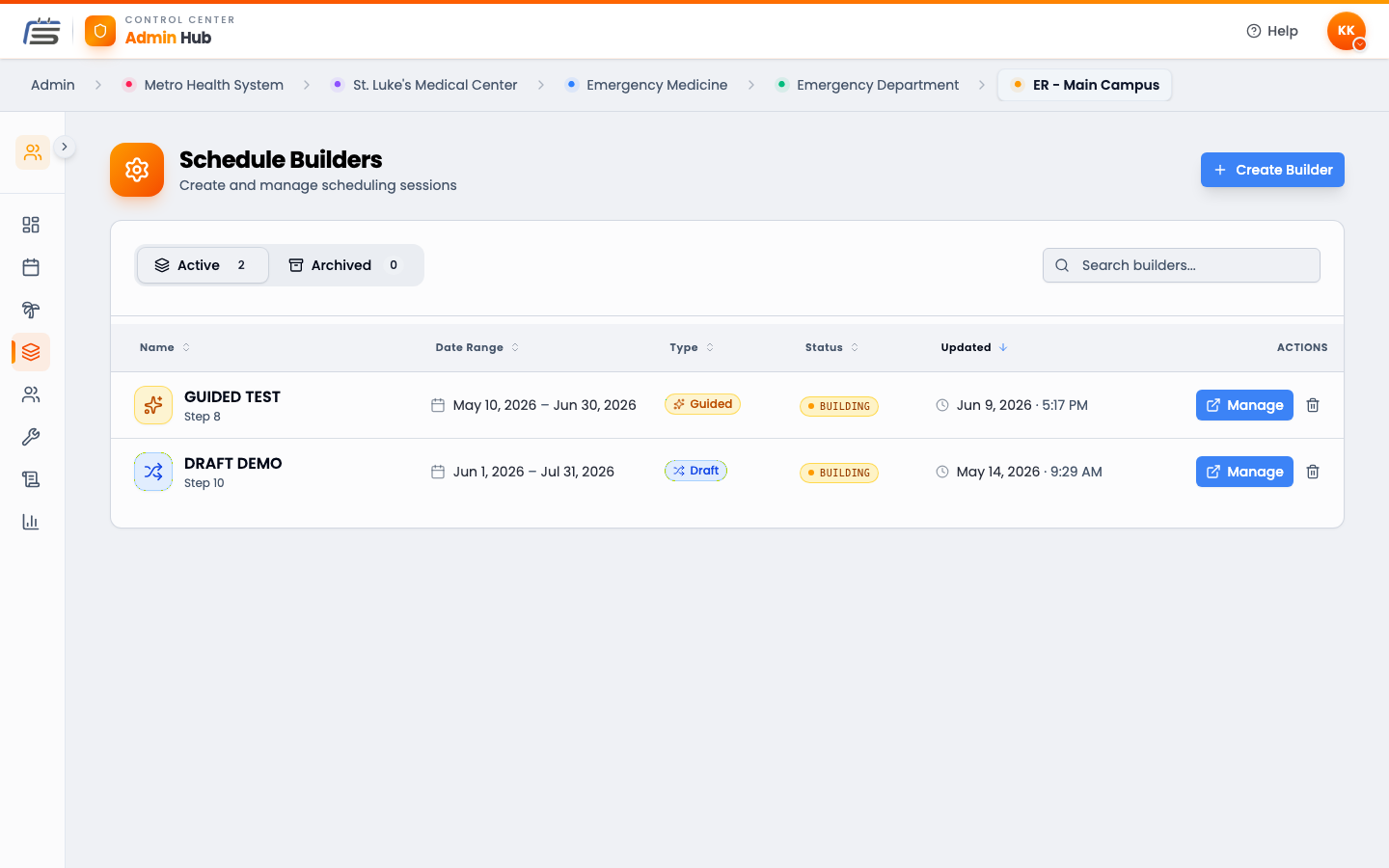
A builder is the workspace where a schedule gets made, from blank to published. Every schedule you create lives in its own builder.
What a builder is
Think of a builder like a draft document for a schedule. You give it a name and a date range, fill it with shifts, check that everything’s covered, and then publish it for your team to see. Until you publish, it’s yours alone to play with.
Start a new builder
Pick how you’ll fill it
Four ways to fill it
A builder can be filled in four ways. Each has its own guide — here’s the quick version:
Manual — you place every shift
Guided — you place, the app keeps it fair
Draft — people take turns picking
AI Generate — let the app fill it
The builder’s calendar
Every builder has its own calendar showing just that schedule’s shifts — separate from the main admin calendar, which shows everything. It works the same way (the same filters, the same bulk tag editing), but anything you do there touches only the schedule you’re building. It’s the best place to step back and see how the month is shaping up before you publish.
From start to published
However you fill it, every schedule follows the same path:
- Create — name it and set the dates.
- Fill — add shifts one of the four ways above.
- Check — make sure every shift is covered (the builder shows you gaps).
- Publish — release it. Now your team can see their shifts.
Schedule Builders FAQ
Can I have more than one builder going at once?
Yes. Each builder is its own schedule for a date range. You might have one being built for next month while last month’s is already published.
Which way of filling the schedule should I pick?
Guided is the everyday workhorse — you place shifts and the app keeps everyone balanced against your targets. Draft lets people pick their own shifts in turns. AI Generate does the heavy lifting from your coverage rules. Manual is the hands-on option for placing shifts yourself. And whichever mode you pick, the builder’s own calendar always lets you place or fix a shift by hand when you need to. You can read about each in its own guide.
Do people see the schedule before I publish it?
No. A schedule stays private while you build it. People only see it once you publish.